What follows is the actual application. Screenshots use sample data from a demonstration account, not a real customer's records.
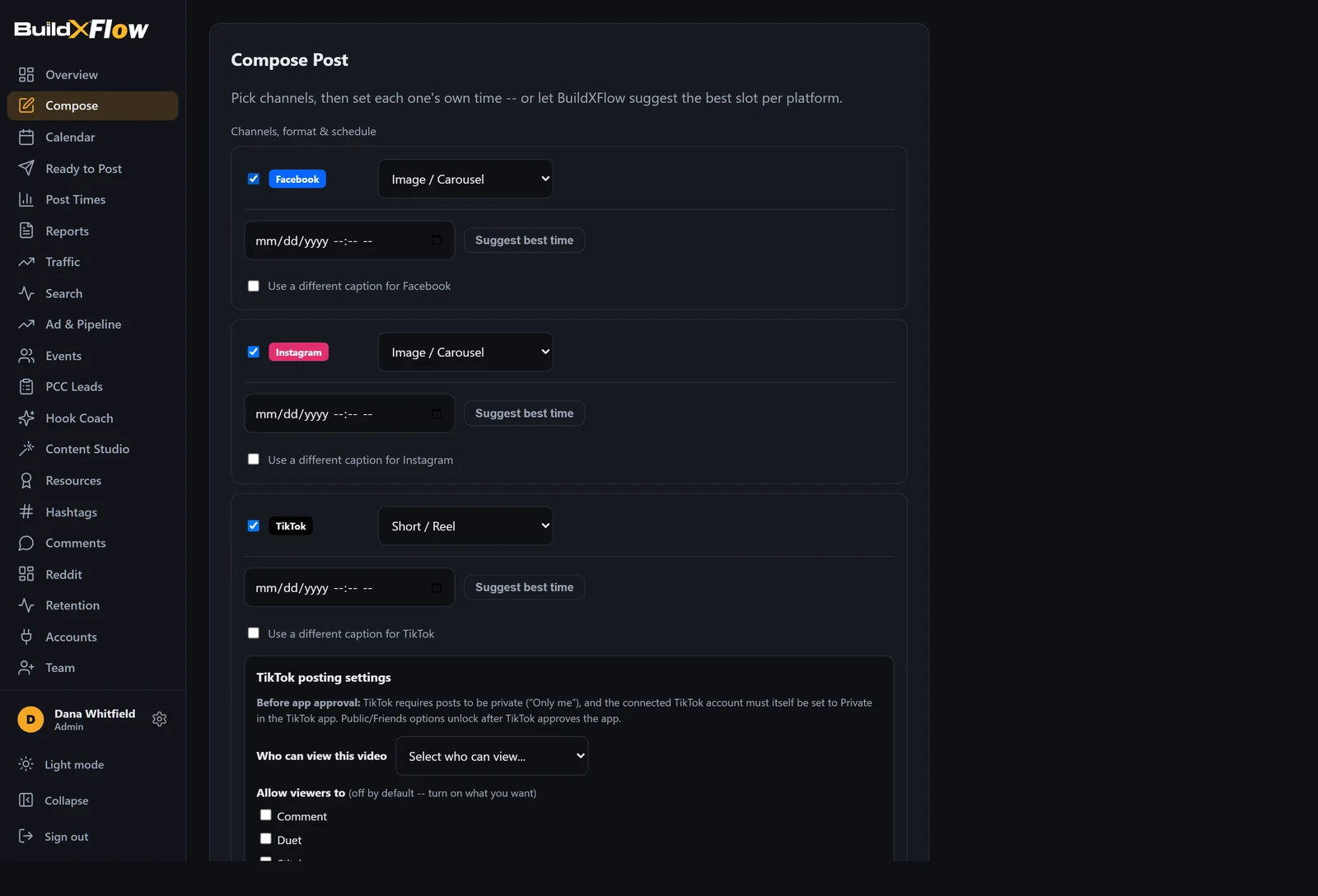
One editor for all six platforms. Choose the channels, write the caption, attach video or stills, and set a publish time per channel rather than one time for everything.
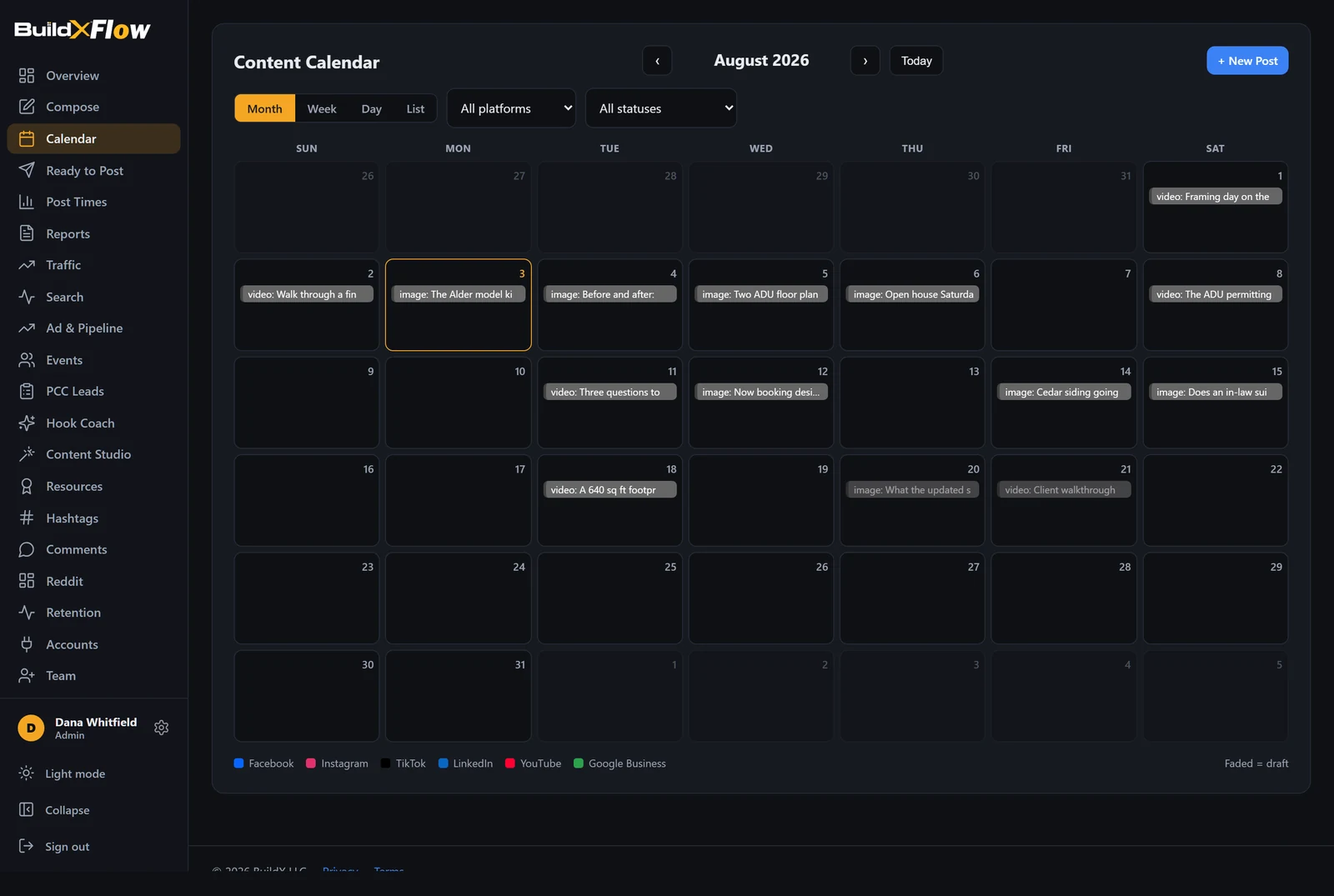
A real month grid rather than a list. Every scheduled post sits on its day, coloured by platform, with drafts faded. Click a post to approve it, queue it, unschedule it or send it back to draft.
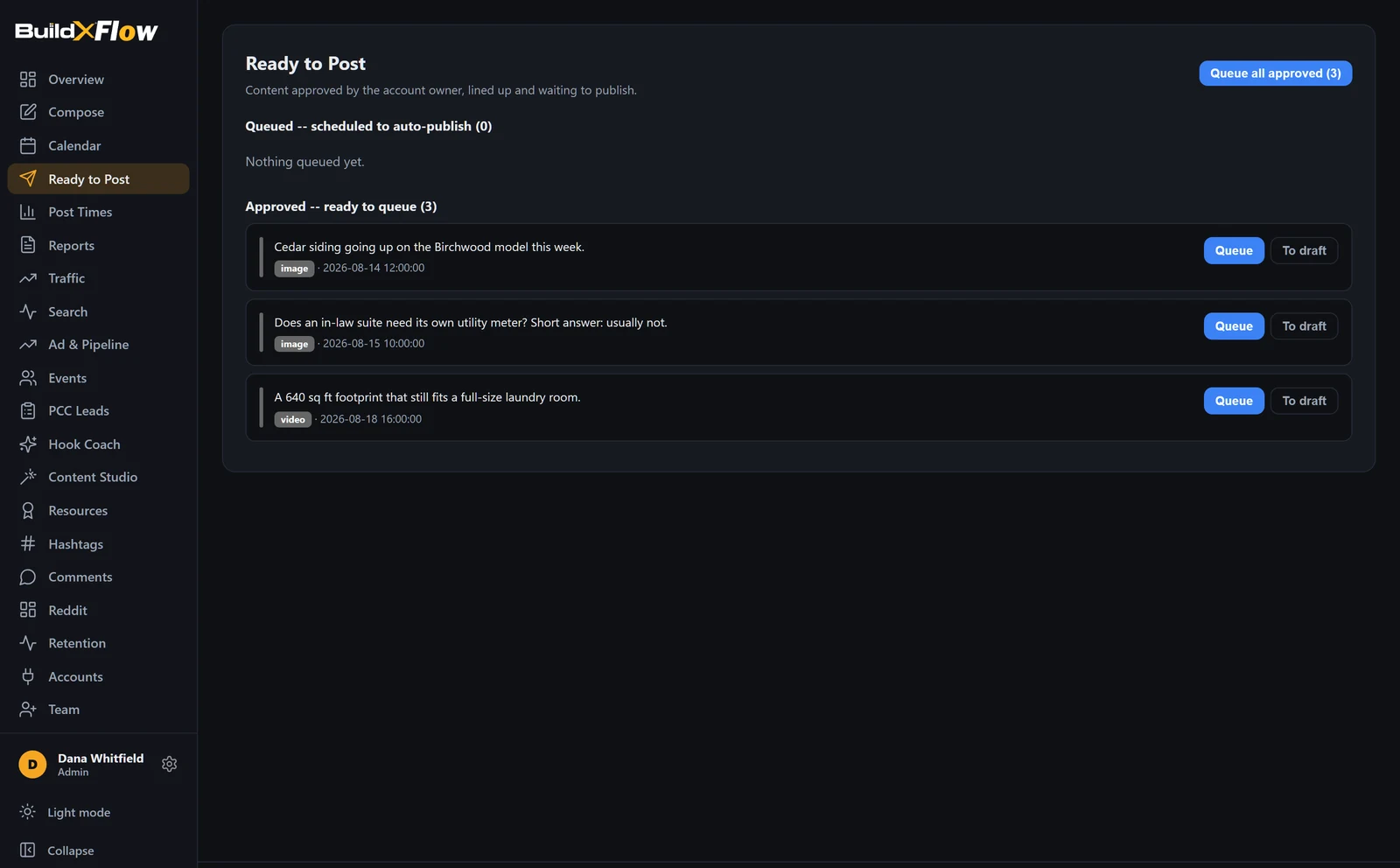
Content moves draft, approved, queued, published. Approval is a deliberate act by a named person and it is recorded with a timestamp, so there is never a question about who cleared something.
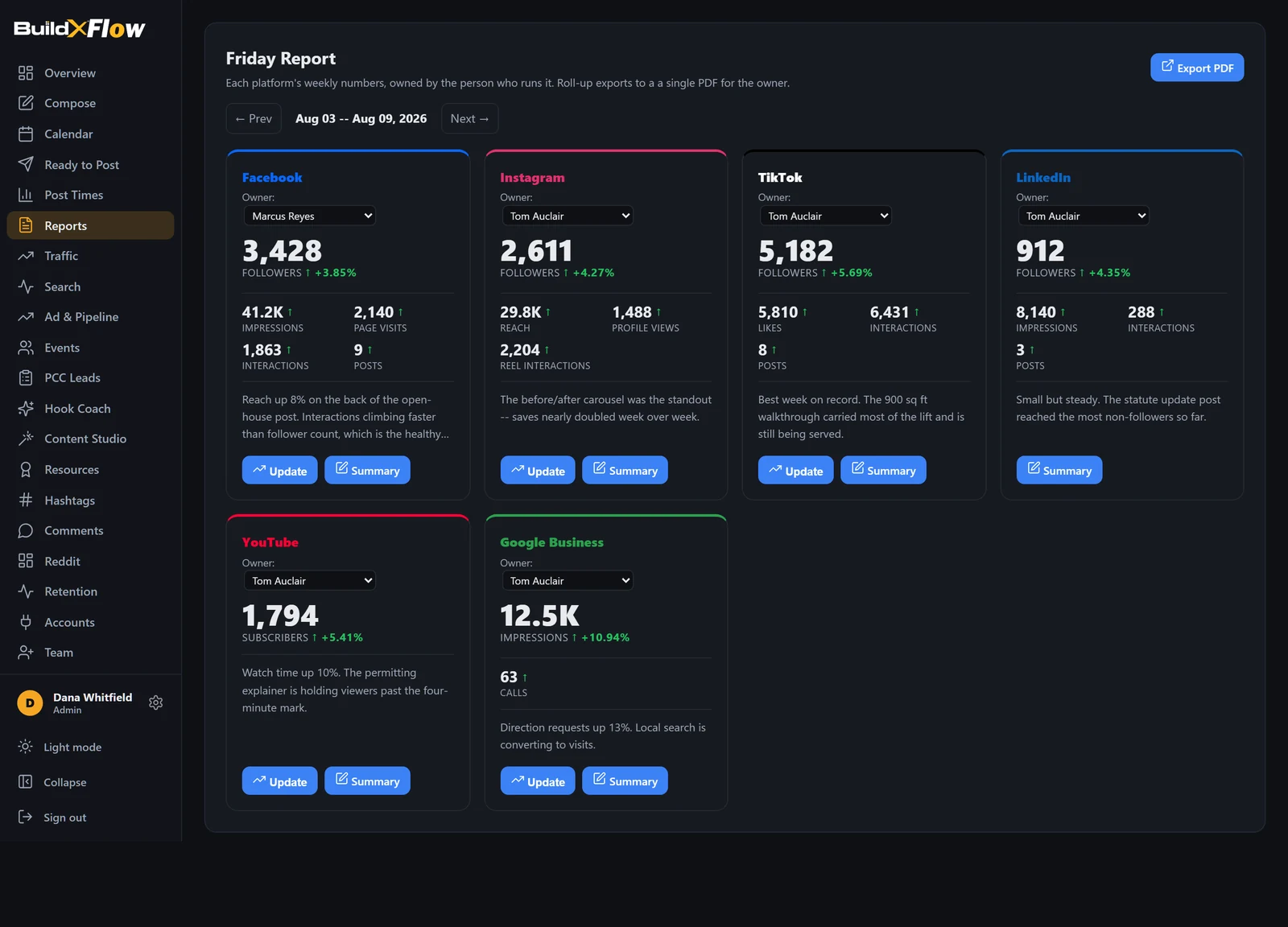
One card per platform, each with the numbers that matter for that platform and the movement since last week. Each channel has a named owner, and the whole set exports to a single PDF for the weekly meeting.
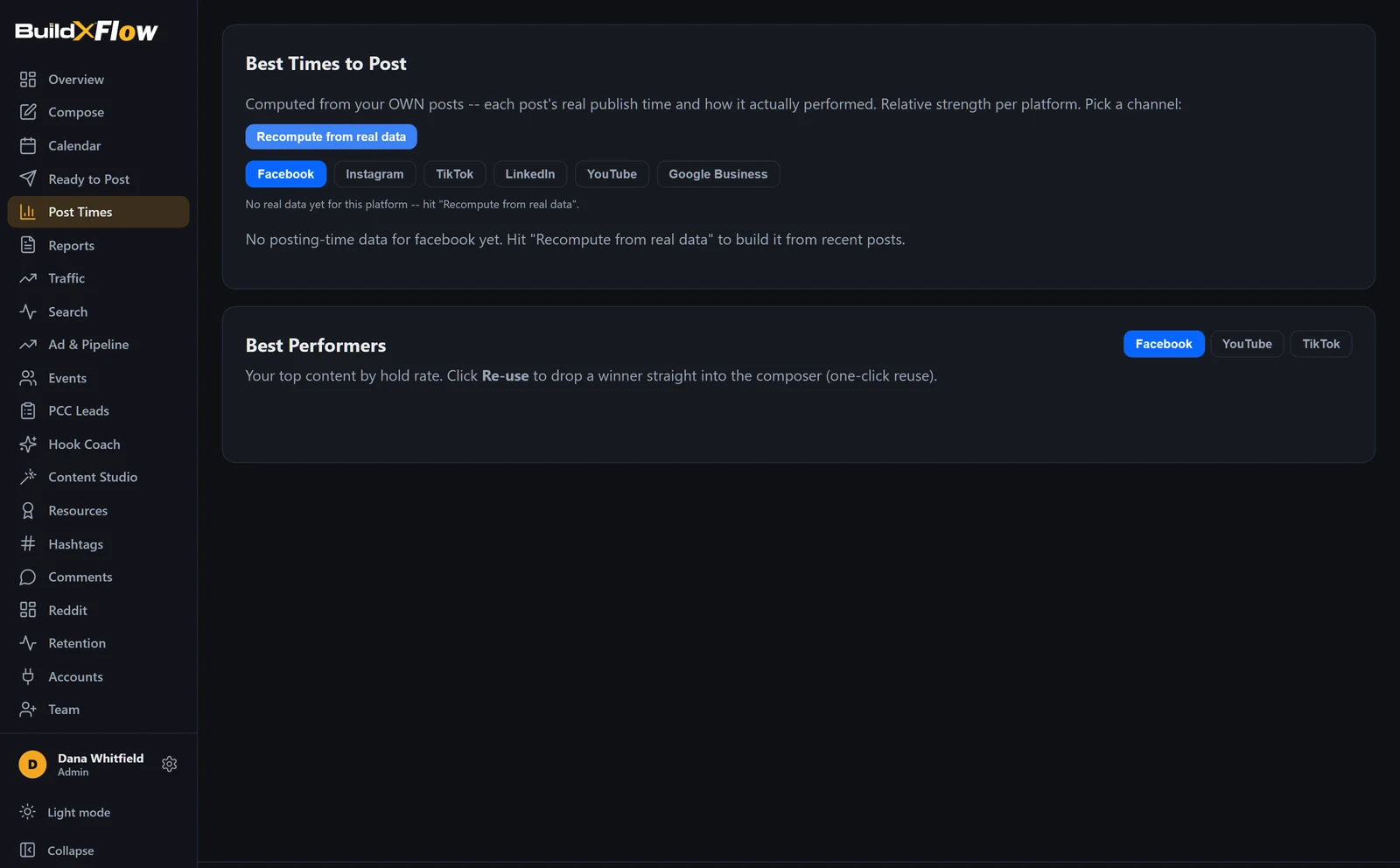
Computed from your own published history, per platform and per weekday, with a confidence rating and the number of posts it is based on. If there is not enough data to be sure, it says so instead of guessing.
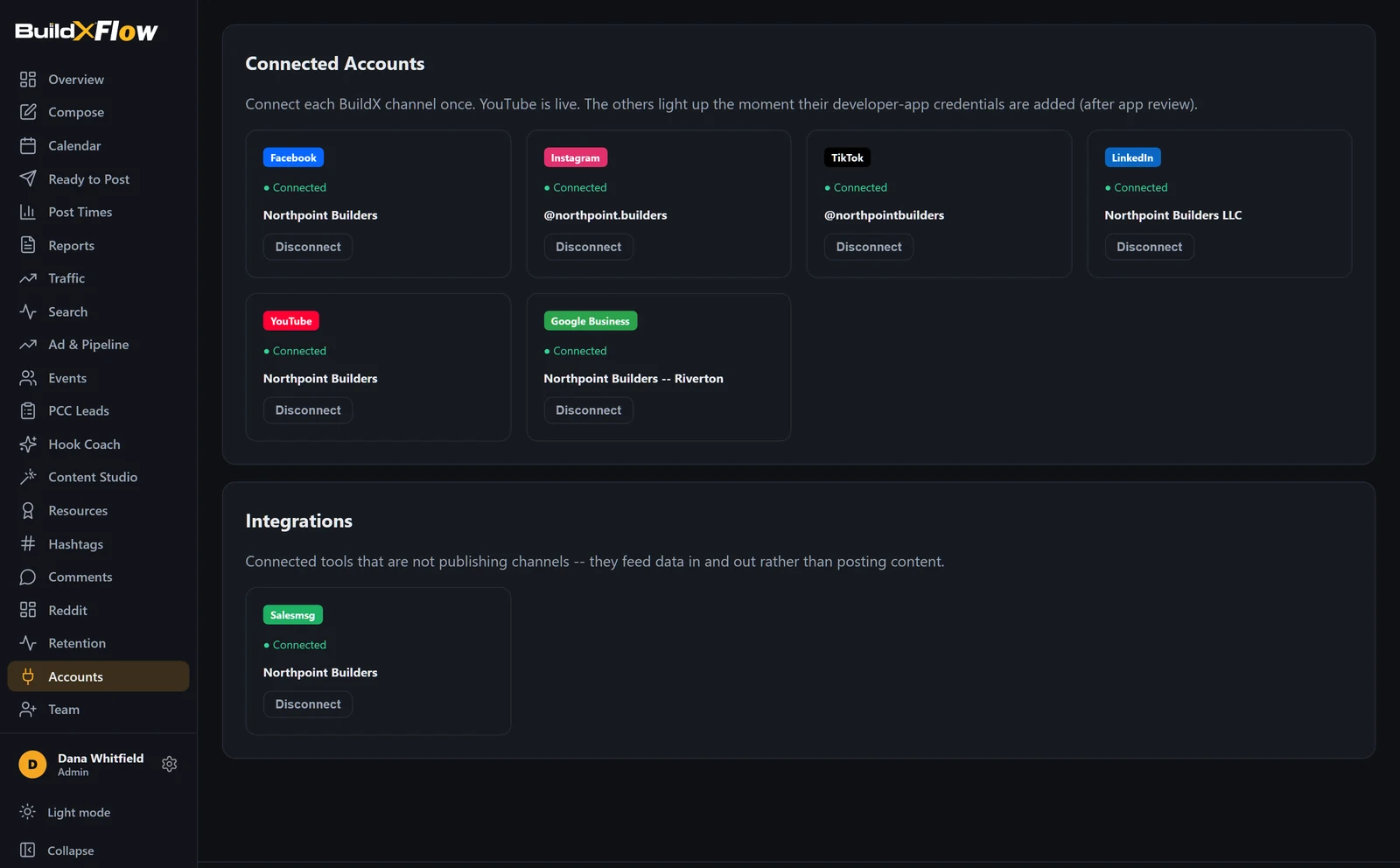
Each platform is connected once through its official OAuth flow. You can see at a glance what is connected, who connected it, and disconnect any of them. Disconnecting is restricted to owners and admins.
Hold rate and completion per video, so a clip that was watched can be told apart from a clip that was merely served. Top performers can be dropped straight back into the composer.
Owner, admin and member. Everyday work is open to the team; publishing live, disconnecting a platform, deleting content and managing people are restricted.
Record where enquiries came from and follow them through to booked calls and signed work, so ad spend can be judged against real outcomes.
Google Analytics and Search Console alongside the social numbers, so a spike in posting can be lined up against a spike in traffic.
Assisted drafting for hooks and captions, plus a curated hashtag library for the construction and ADU trade.
Log attendance and lead source per weekend, so you can see which channel actually filled the driveway.
Request access and tell us about your company. We will set up an account and walk you through it.
Request access